

Samsung Galaxy S Upgrade to Ice Cream Sandwich
/ on 16 December, 2012 / No Comments
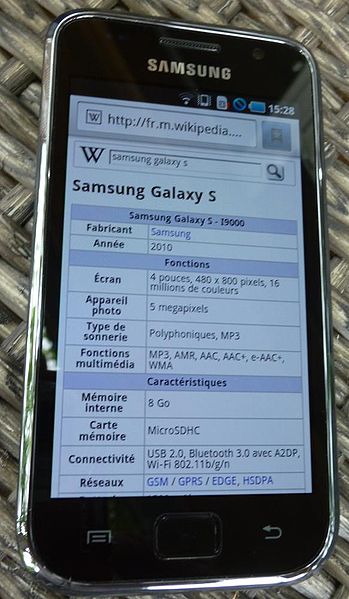
Got Samsung Galaxy S in your hands and want to enjoy the Android ICS on it? Now it’s possible as Ice Cream Sandwich is available for the same. I am here to teach you Samsung Galaxy S Upgrade to Ice Cream Sandwich process. So let’s proceed ahead.
Disclaimer
If you are going to try your hands on the ROMs installation process for the first time, then proceed at your own risk. We shall not be held responsible for any damage that occur to you or your device.
Prerequisites
- It’s better to take the backup of data before opting for the process. Take the backup of SMS, Call Logs etc.
- Charge the battery to at least 80 percent.
- Make sure that all the drivers for Samsung Galaxy S are installed on your computer.
Process for Samsung Galaxy S Upgrade to Ice Cream Sandwich
- Download the Samsung Galaxy S Upgrade to Ice Cream Sandwich from here and Google Apps package from here.
- Copy and paste both the files to the internal SD of your phone. Of course, first connect your device using USB cable.
- Enter into CWM Recovery by pressing the Volume Up Button + Home Button+ Power Button.
- In the main menu of Recovery, navigate as Install zip from sd card -> Choose zip from sd card.
- Now select the ROM file that you downloaded in the first step.
- This will install the ROM. Repeat the last two steps to install the Google Apps this time.
Wait for installation to complete. That’s it. Now you are done with Samsung Galaxy S Upgrade to Ice Cream Sandwich process. Cheers!!
-
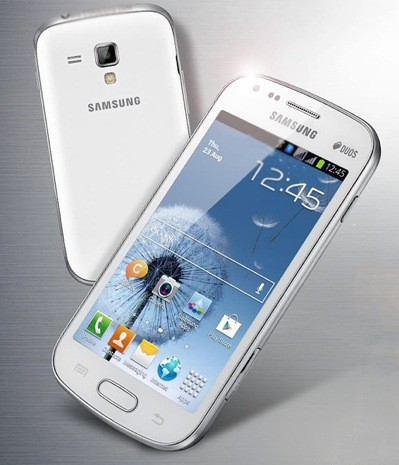 Review: Samsung Galaxy S Dous S-7562
Samsung Galaxy S Dous: Samsung Galaxy S Dous is an medium budget mobile with an great features and hardware system. The double feature
Review: Samsung Galaxy S Dous S-7562
Samsung Galaxy S Dous: Samsung Galaxy S Dous is an medium budget mobile with an great features and hardware system. The double feature
-
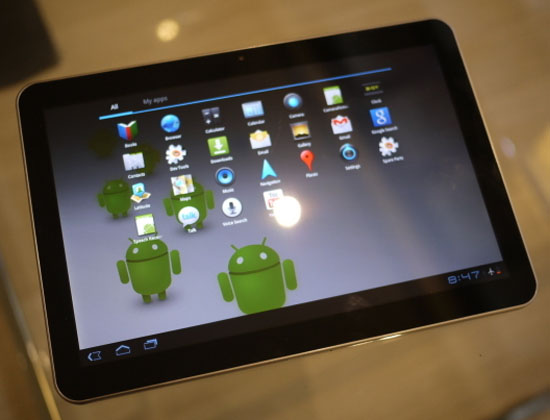 Samsung Galaxy Tablet 10.1 Ice Cream Sandwich
Samsung Galaxy Tablet 10.1 has got Ice Cream Sandwich update and its time to enjoy something new on your same device. So if
Samsung Galaxy Tablet 10.1 Ice Cream Sandwich
Samsung Galaxy Tablet 10.1 has got Ice Cream Sandwich update and its time to enjoy something new on your same device. So if
About Author
